One Inbox. Zero Chaos.
Mail Buddy auto-categorizes email across every inbox you own.
One dashboard. Multiple accounts. AI filters synced straight to Gmail so your inbox stays clean on autopilot.
Get Organized in 2 Minutes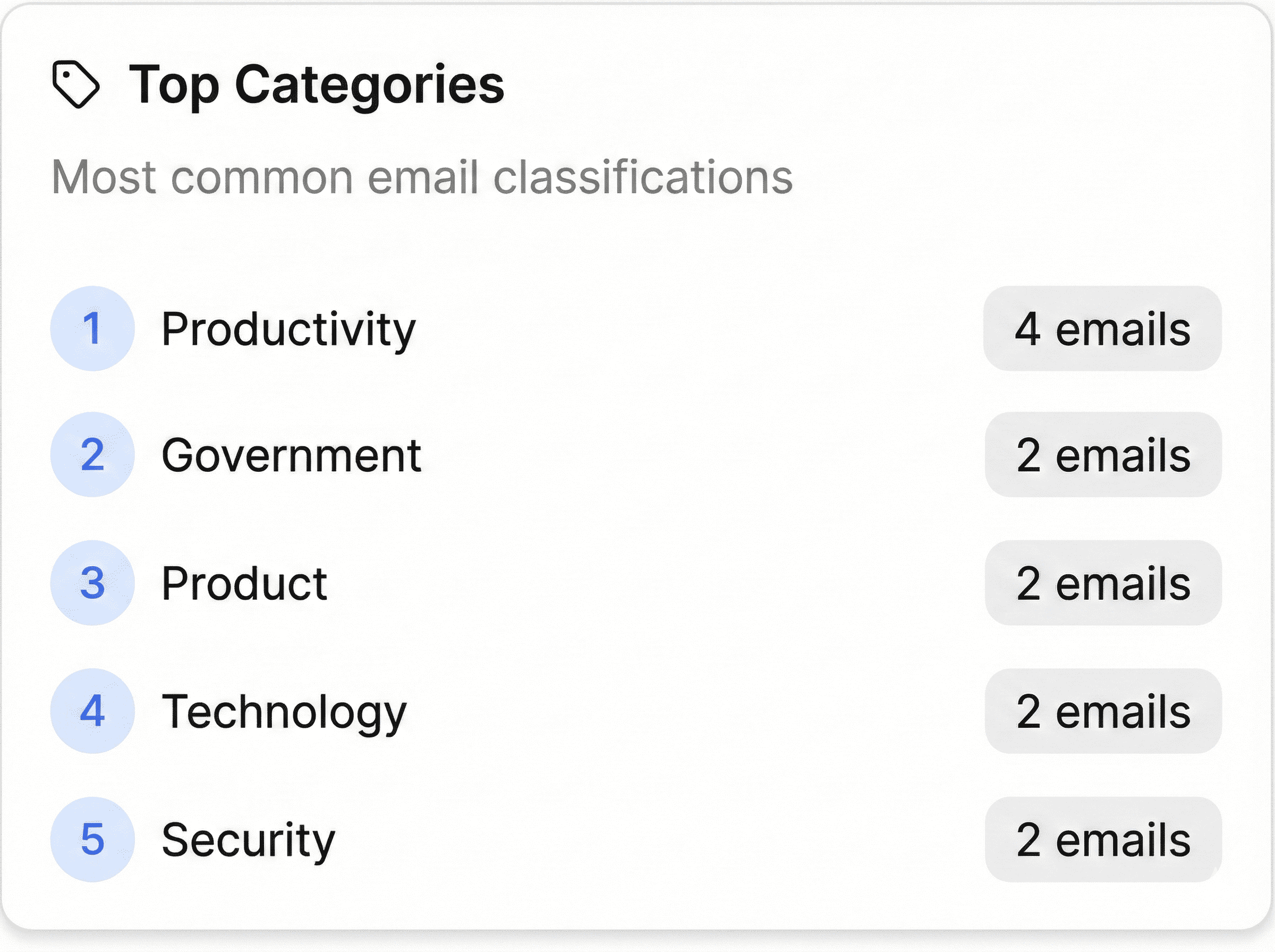
Built for you
Mail Buddy helps you get ahead and focus on what matters.



Busy Parent
Seattle, WA
Daycare Pickup
Emma ready for pickup
3:30 PM
Permission Slip
Field trip form
Due Tomorrow
Never miss what matters most
Daycare pickups, school events, and family moments—surfaced instantly.
Big Filter Energy. Built In.
Everything you need to take control of your inbox chaos, powered by AI filters that actually stick.
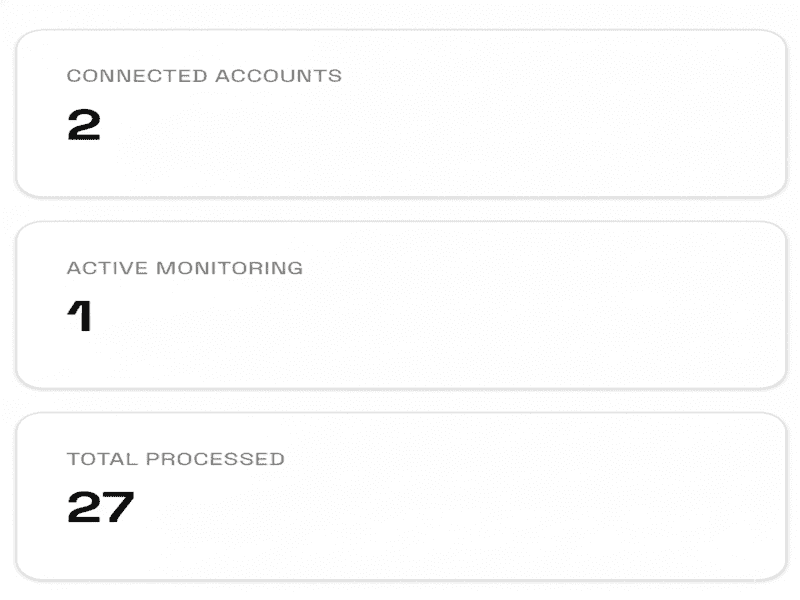
All Your Inboxes. One Place.
No switching accounts
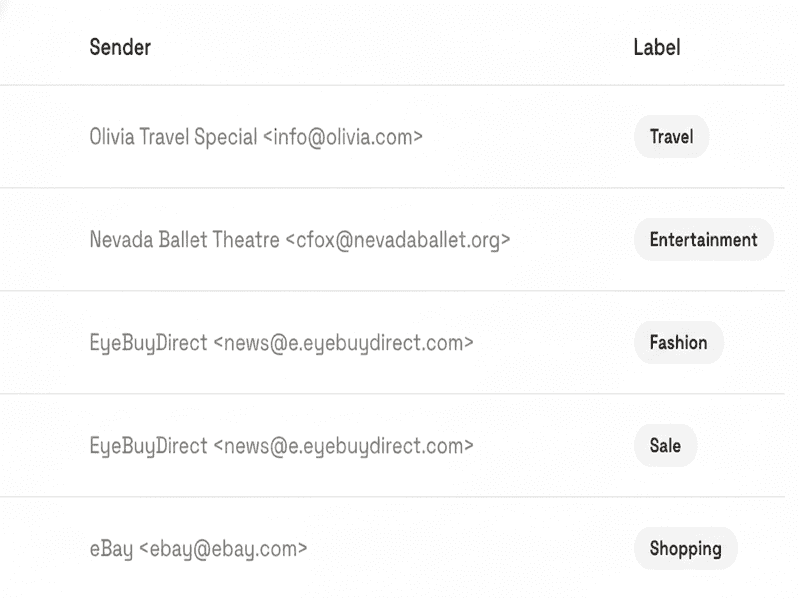
Email That Sorts Itself
No rules needed
Track What Matters
Daycare. Job Offers. Merch Drops.

Built for real life, not just work.
Mail Buddy helps people who juggle multiple priorities stay ahead of what matters most.
Parents & Caregivers
Track daycare pickups, school events, and family updates without constant inbox checking.
Job Seekers
Never miss interview invites, recruiter emails, or job offers buried in your inbox.
Students & Learners
Stay on top of deadlines, announcements, and important academic communications.
Drop Hunters
Catch limited merch drops, ticket releases, and restocks before they sell out.
Your Data is Safe With Us
Mail Buddy uses strong security to keep your emails safe. We never read or share your private data.
CASA Tier 2 Verified
Independently assessed and verified by Google-approved security partners for maximum trust.
Encrypted Database
All sensitive information is securely encrypted at rest, ensuring your data is protected from unauthorized access.
OAuth 2.0 Secured
We never see your Google password. Authentication is handled directly through secure Google OAuth tokens.
Never miss what matters.
Mail Buddy helps you stay ahead by automatically organizing email across all your inboxes and surfacing what matters most—right inside Gmail.
Connect Your Inboxes